Fuse Beads · 3 min read
Perler Bead Template Printing: Scale, Grid Lines, and Board Boundaries
Print a chart at a useful size and divide large patterns across boards without confusion. This perler bead template guide focuses on decisions you can verify while you work, so the final chart is not only attractive on screen but practical to make.
Print a calibration square
Before printing a large chart, make a small page with ten adjacent grid cells and a ruler mark. Print at 100% or actual size and measure the result. Printer fit-to-page settings can silently shrink the chart. If the print is for following on paper, the cells only need to be easy to read; they do not need to match the exact peg pitch. If you intend to lay a page beneath a transparent board, compare the test against the actual pegboard before preparing a full pattern.
Make every cell distinguishable
Thin lines may disappear on an inexpensive printer, while thick lines can swallow pale bead colors. Test a light and a dark region, then use a grid weight that is visible without overpowering the design. Add row and column numbers at regular intervals. Symbols or short labels help separate similar colors in grayscale; do not rely on a tiny color swatch alone. Keep a clear legend with the material names and counts you have personally verified.
Split a large project by board
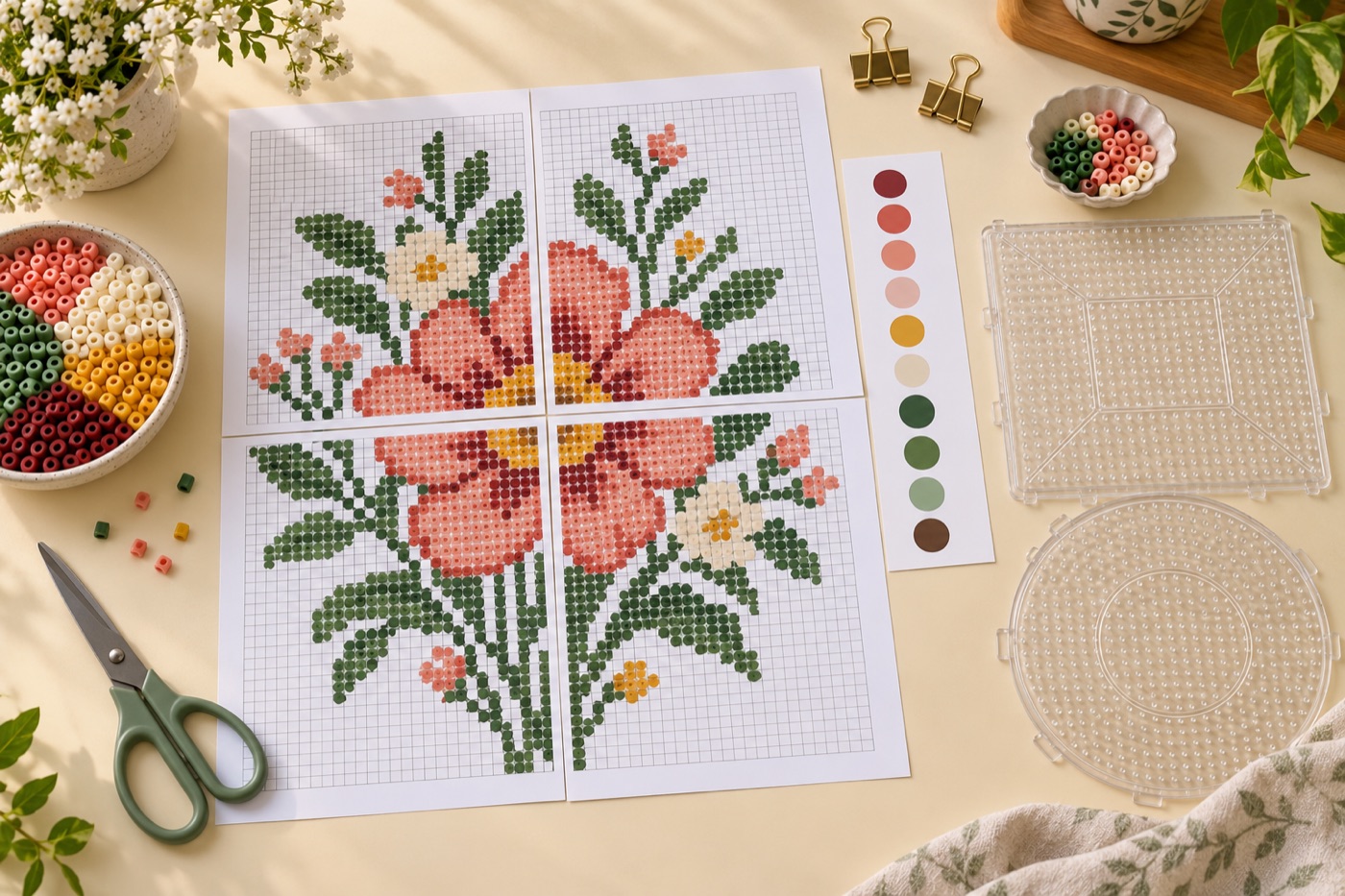
Overlay the boundaries of the pegboards you own and number the sections. A page title such as row 2, column 1 is more useful than page 7 when several sheets look alike. Print a small overlap or repeat the boundary line so you can see exactly where a motif continues. If the design ends partway through a board, shade the unused cells lightly instead of cropping away the last coordinate. Keep the section orientation identical on every sheet.
Keep physical instructions separate
The printed pattern is a placement chart, not a substitute for the bead manufacturer's fusing directions. Perler's standard instructions call for ironing paper, a heat-safe flat surface and an adult to do the fusing. For a larger design, plan how pieces or boards will be transferred before heat is applied. Store the finished printout away from the iron so it remains a clean reference.
Preserve an editable master
Print a draft and place a few beads before committing. Mark any corrected color or shifted border on the editable file, then reprint only the affected board pages. Give the revised project a version number so old and new sheets cannot be mixed. Save a PNG for quick visual reference and the editable project for changes to grid dimensions, labels or colors. A template that is easy to revise is more useful than one perfect-looking screenshot.
Continue with BeadArtify
Open the free pattern maker to test your image, continue in the full pattern designer, or browse the original community gallery for color and scale ideas. Your source image is processed locally in the browser.