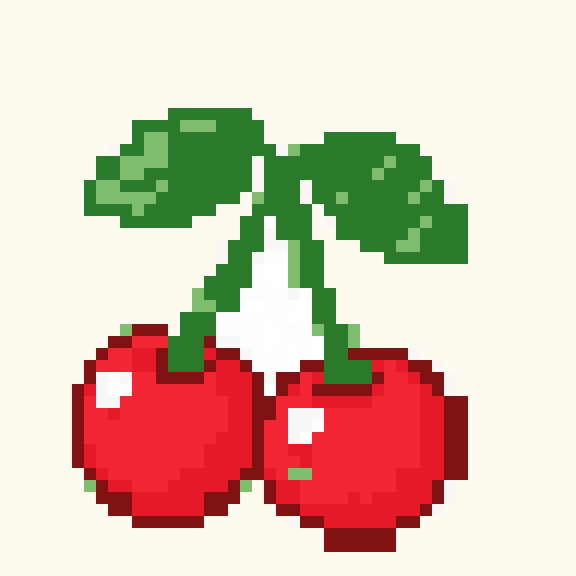
Pixel art Pattern Maker
Turn a photo or drawing into a pixel grid with independent width and height controls. Choose a compact palette, inspect the silhouette and download either a clean pixel image or a numbered chart. Transparent input pixels remain empty. A low-resolution icon needs simpler details than a portrait, so try several sizes before choosing your final result.
Pixel art settings
Choose an image above or use a template below.
Your pixel art chart
Your converted result will appear here.
Read chart rows as text
Choose a readable pixel resolution
Use the clean PNG for graphics and the chart download for counted craft work.
What the pixel art downloads contain
The chart PNG adds coordinates and optional color numbers. The materials CSV counts filled cells by palette color. The clean PNG preserves the converted picture without the chart labels.
Before you make the full project
Keep a copy of your downloaded chart and test a small section with your chosen materials.
Try a motif in this pixel art converter
Load a motif here, then adjust the dimensions and settings for this craft.