Pixel Art · 3 min read
Free Pixel Art Creator Workflow for Crisp Small-Grid Designs
Start with a strong silhouette, refine clusters, and export at a clean integer scale. This free pixel art creator guide focuses on decisions you can verify while you work, so the final chart is not only attractive on screen but practical to make.
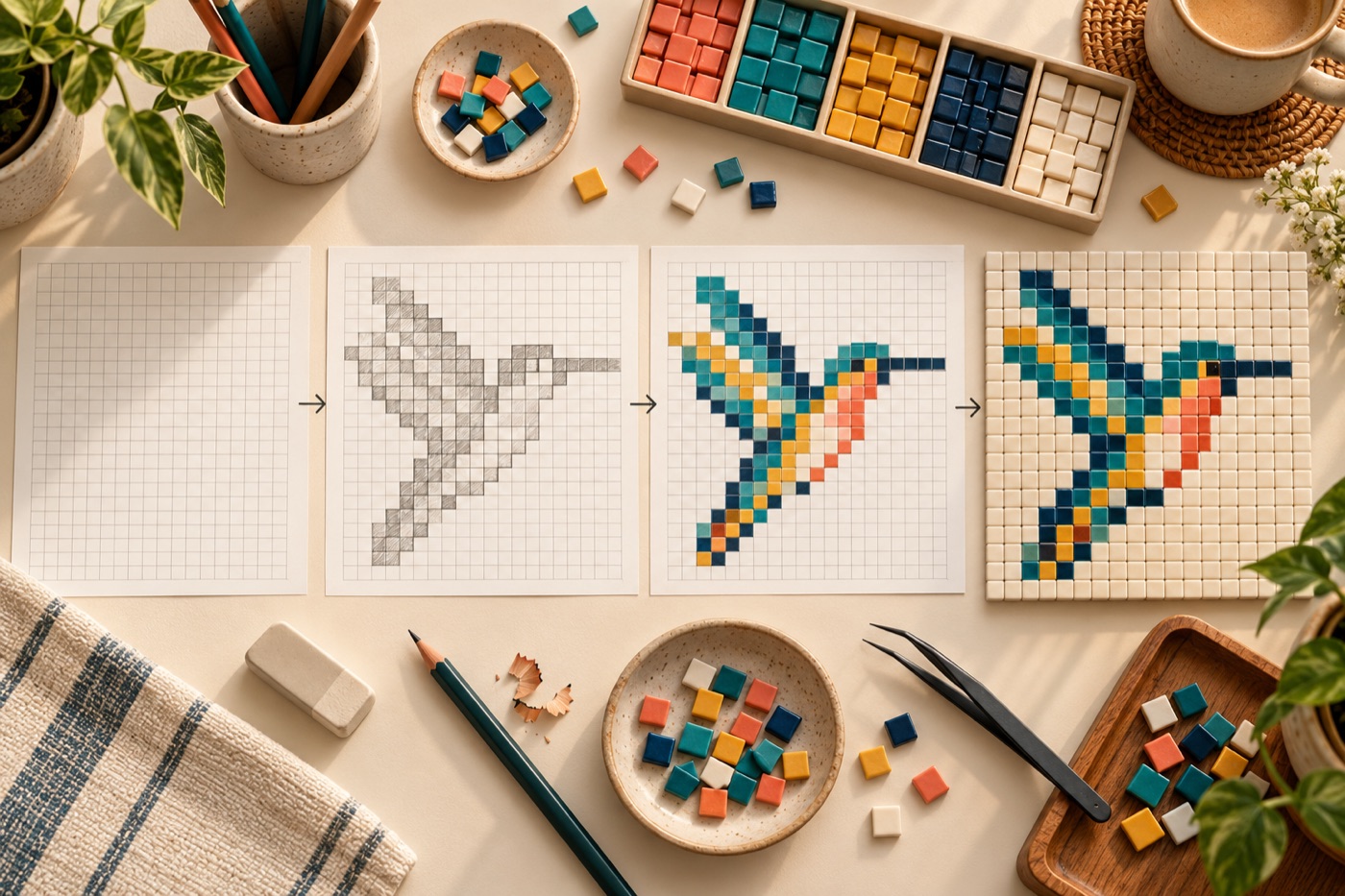
Set one small canvas goal
Start with a simple object that can be recognized at the chosen resolution: a fruit, small animal face or icon. Write the canvas dimensions down and decide whether the work is meant for a screen, a game sprite or a physical grid. Draw the outside silhouette in one color before working on eyes, texture or shading. If the object does not read as a solid shape, adjusting tiny pixels will not solve the central problem. Try a new silhouette while changes are still cheap.
Build a limited palette
Pick one background, one strong outline, a main fill, a shadow and a highlight as a starting group. Add another color only when it clarifies form. Compare the image at native size after each palette change; colors that look separate under extreme zoom may blend when shared. If the asset will appear on multiple backgrounds, test both light and dark surroundings. A palette of a few purposeful colors is easier to edit and to translate into beads or stitches later.
Shape with connected clusters
Use the pen to create small connected regions rather than peppering isolated pixels across the canvas. On a curve, make step lengths feel deliberate; on a diagonal, avoid an accidental gap that leaves two parts touching only at a corner. Fill large shapes first, then clean their edges. For a small face, place features asymmetrically only when the pose demands it. Zoom out often to make sure the subject remains recognizable without the editor grid.
Use animation and remix intentionally
If the image will become a sprite, save a clean base frame before drawing a second expression or pose. Change only the areas that need to move, which makes the sequence less jittery. For a static design, duplicate the project before trying an alternate palette or canvas size. Keep an editable source as well as exported images so you can return to the same grid without tracing a PNG. When remixing another maker's work, respect the original sharing permissions and attribution.
Export for the destination
For screen use, export the pixel art at an integer multiple of its original dimensions so each cell remains sharp. For physical crafting, preserve grid lines, row numbers and per-color counts separately from the clean preview. Open the downloaded file at its intended size before sharing it; a crisp editor view can become blurred after an unsuitable resize in another app. Name both the editable master and the final image with dimensions so versions do not get mixed.
Continue with BeadArtify
Open the free pattern maker to test your image, continue in the full pattern designer, or browse the original community gallery for color and scale ideas. Your source image is processed locally in the browser.