Diamond Painting · 3 min read
Diamond Painting Pattern Maker: Canvas Size, Drills, and Symbols
Choose a readable canvas size and turn colors into a practical drill legend. This diamond painting pattern maker guide focuses on decisions you can verify while you work, so the final chart is not only attractive on screen but practical to make.
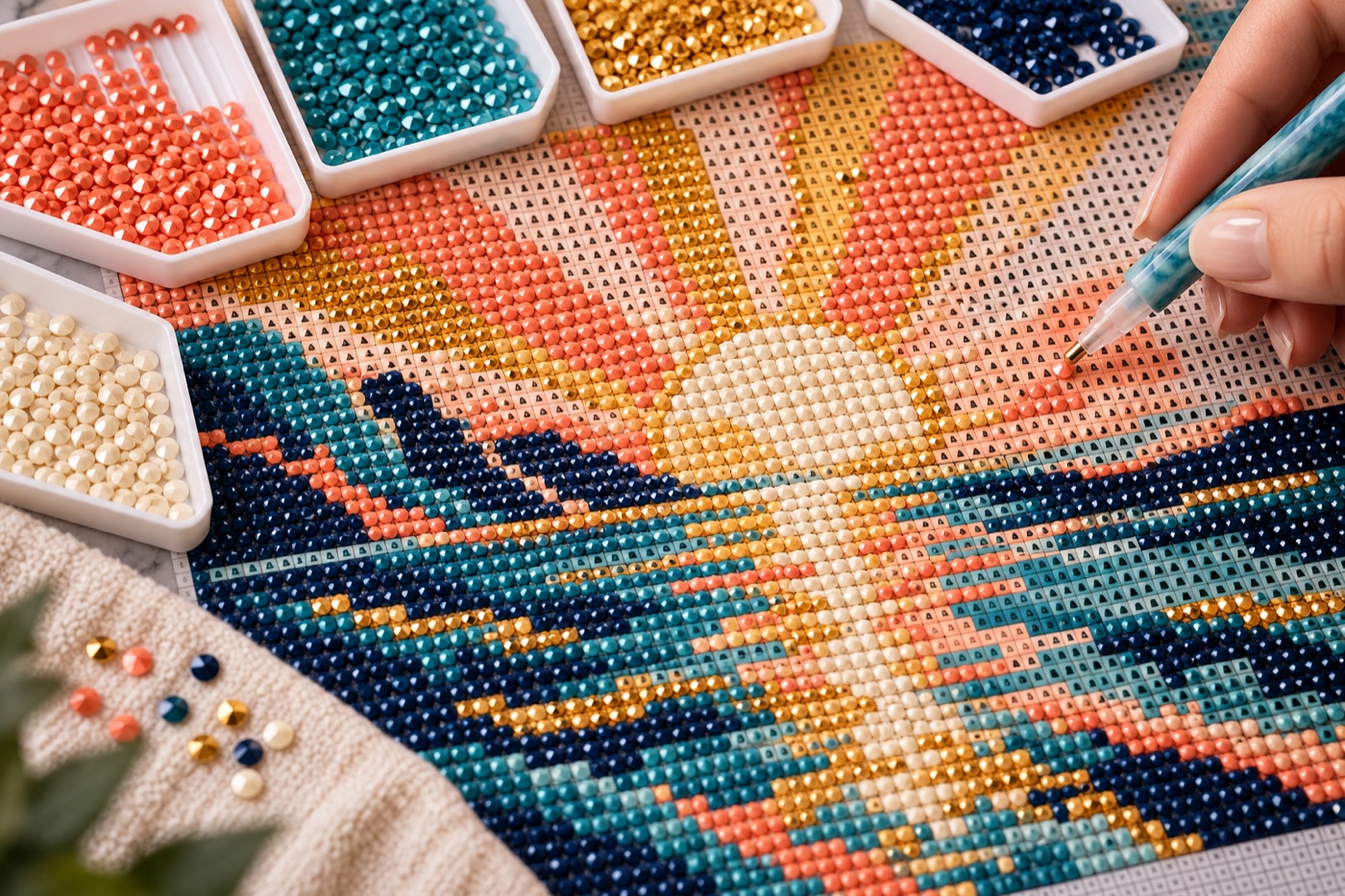
Choose canvas size from the subject
The number of chart cells determines how much detail can appear in a diamond painting. Crop a portrait around the face rather than leaving a wide room around it; otherwise the important features receive too few drill positions. Decide whether the final piece will be viewed close up or from across a room. Compare two chart widths at that viewing distance and keep the smaller one that preserves the eyes, outline, and other essential landmarks. Calculate the physical dimensions using the spacing of the canvas or kit you actually plan to use, not a generic screen preview.
Compare drill shape and color availability
Round and square drills can produce different edge appearances and placement experiences. Pick the material you will build with before locking a legend. A digital RGB match does not establish that a particular manufacturer sells a drill with the same name or code. Compare the candidate shades with your available drill chart and replace unavailable colors deliberately. Do not let the converter create several almost identical highlights that will be hard to distinguish on a sticky canvas. Keep the selected physical codes beside the digital legend, with substitutions marked clearly.
Give close colors different symbols
A chart that relies on color alone becomes difficult to read once two neighboring shades are printed or viewed in poor light. Assign contrasting symbols and verify they do not look alike at the actual working scale. Check the densest part of the picture first, where tiny shadow shifts may produce a patchwork of three or four codes. If a symbol appears only a few times without improving the image, merge it with a neighboring shade and regenerate counts. Divide a large chart into named regions so the symbol key remains visible while you work.
Audit the supply list after editing
Count the final cells for each drill code, excluding intentionally blank background cells if the project is not full coverage. Compare the sum with the total filled cells. Add a practical reserve for spills and sorting mistakes, while keeping the exact chart quantity separate. Test a small cluster on the intended canvas to see whether the dimensions and symbols remain usable. Save the chart, legend, drill shape, and material substitutions together; a beautiful preview without that information is hard to reproduce later.
Check the chart at working distance
Print a short section or view it on the device you will use next to the canvas. Can you distinguish symbols while your hands are in the way and the work area is partly covered? If not, enlarge the chart section or strengthen the key before ordering drills. A symbol legend should identify the same color everywhere, including at page boundaries. Keep completed sections marked separately from unplaced drills so a pause in the project does not force you to recount the entire canvas.
Continue with BeadArtify
Open the free pattern maker to test your image, continue in the full pattern designer, or browse the original community gallery for color and scale ideas. Your source image is processed locally in the browser.