Cross Stitch · 3 min read
Cross Stitch Pattern Maker: Turn a Photo Into a Stitchable Chart
Control fabric count, finished size, symbols, floss colors, and scattered stitches. This cross stitch pattern maker guide focuses on decisions you can verify while you work, so the final chart is not only attractive on screen but practical to make.
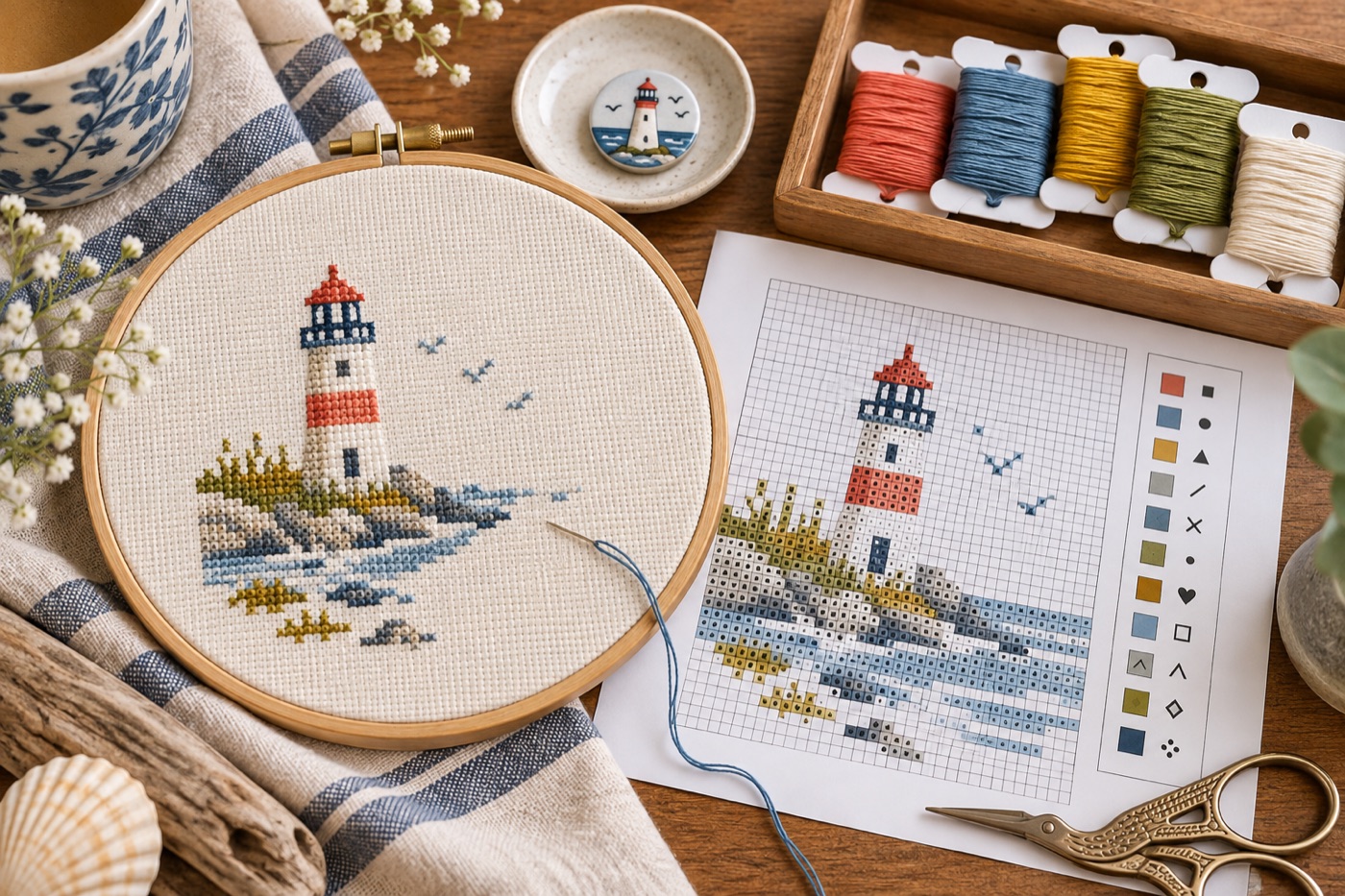
Choose fabric count before chart dimensions
A photograph does not have a finished size until you pair its stitch dimensions with fabric count. DMC explains that 14-count Aida has fourteen stitches per inch: a chart seventy stitches wide will cover about five inches of stitched width on that fabric, before margins and framing. Try the calculation with the cloth you actually intend to use. If the subject becomes too small, increasing the chart width creates more stitches and work; choosing another fabric changes stitch scale. Treat these as separate decisions rather than moving one slider until the preview seems large enough.
Crop for a stitchable focal point
Remove most of a busy background and keep one face, pet, or object with clear light-dark boundaries. Hair, foliage, and smooth photographic shadows can become hundreds of isolated stitches after conversion. Reduce colors, then look specifically for one-off symbols scattered across large areas. Replace those stitches with the surrounding dominant tone only when the image remains recognizable. Protect the eyes, strong edges, and other focal details from automatic cleanup. A photograph that looks natural at full resolution often needs deliberate simplification to become enjoyable embroidery.
Make the legend readable in grayscale
Two floss shades can look distinct on a lit screen and nearly identical on a printed chart. Assign a distinct symbol to each color and print a test page in the way you will actually use it. Check that adjacent symbols do not resemble each other when small. Group the legend by thread color, include an estimated stitch count, and mark the chart’s center or another consistent starting coordinate. A screen color is not proof of an exact commercial thread match; compare the physical floss and record any substitutions.
Sample a detail before buying everything
Stitch a small area containing an edge, a highlight, and one shadow using the proposed fabric and thread. It will reveal whether the chosen count supports the detail and whether the palette looks too flat on cloth. Review the sample from normal viewing distance rather than only from a few inches away. Keep the original image, the edited chart, the fabric count, and the symbol legend together. If you change one color or crop later, regenerate the working legend so the stitched piece and its instructions stay in sync.
What a pattern maker cannot decide
Software can count cells and suggest colors, but it cannot choose the best fabric feel, lighting, framing margin, or degree of photographic simplification for your project. Inspect physical floss in the room where the piece will hang. Leave enough plain fabric around the stitched area for finishing. If one tiny accent color appears in only a few stitches, decide whether it adds expression before buying another skein. Document that choice in the legend so the finished chart matches your materials.
Continue with BeadArtify
Open the free pattern maker to test your image, continue in the full pattern designer, or browse the original community gallery for color and scale ideas. Your source image is processed locally in the browser.