Block Art · 3 min read
Picture to Minecraft Blocks: Palette and Survival-Friendly Planning
Choose accessible blocks, avoid texture surprises, and calculate quantities by region. This picture to minecraft blocks guide focuses on decisions you can verify while you work, so the final chart is not only attractive on screen but practical to make.
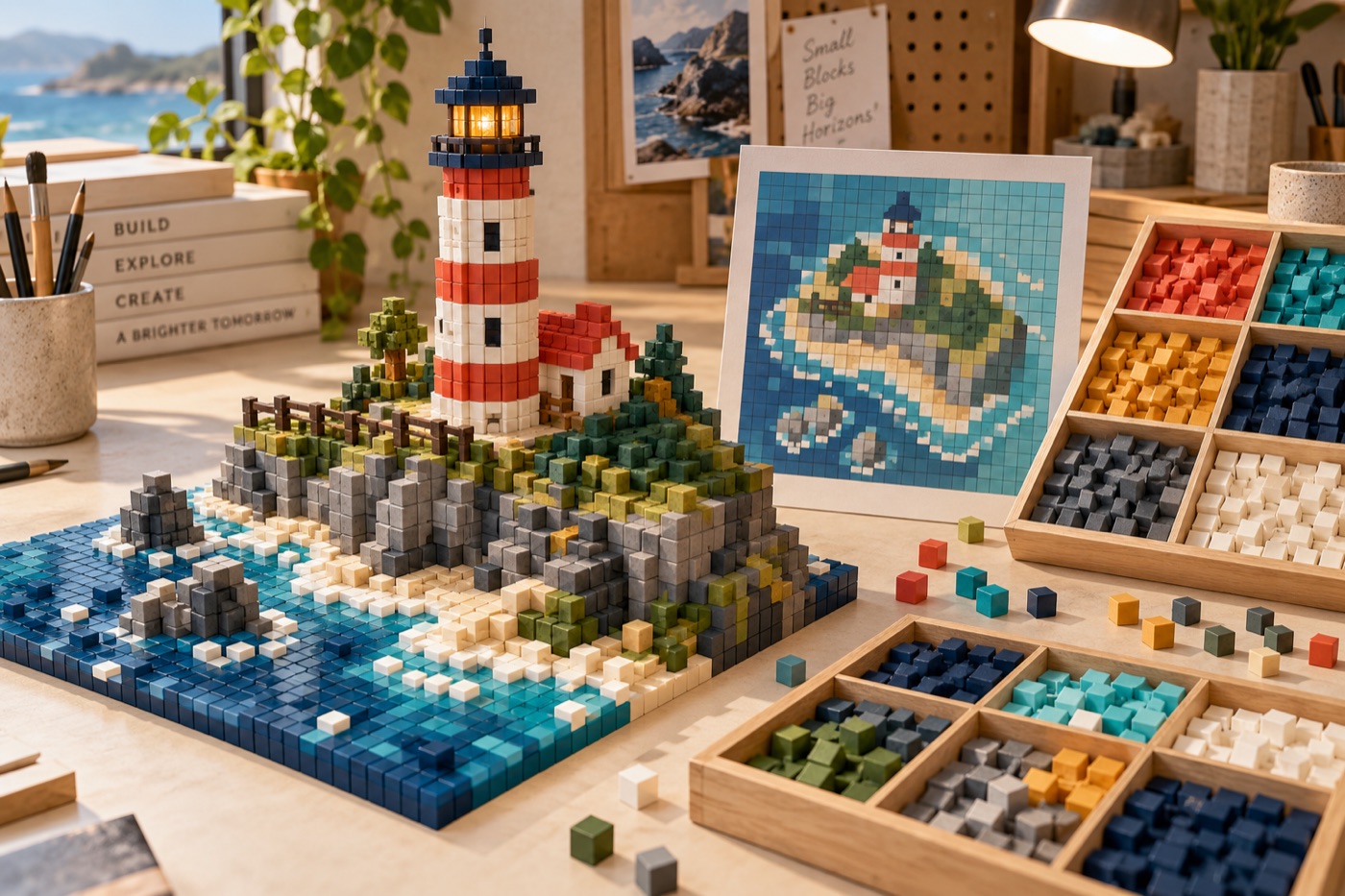
Select blocks you can obtain
A visually close block is not a practical choice if your world cannot supply enough of it. Group the picture's colors into broad families, then shortlist blocks you already have or can gather at the required scale. Count the occupied pixels of each family before deciding on a rare material. Build a one-row sample in the same world and viewing direction as the final artwork. Substitute an abundant near-match early rather than changing a large region halfway through construction.
Check face and lighting
A block's top, side and underside can differ, and textures can introduce extra lines that a simple color picker cannot show. For a vertical mosaic, compare side faces; for a floor, compare top faces. Look at the test both in daylight and at the lighting level you expect for display. If a texture creates a false stripe in a face or letter, use a plainer block even if its average digital color is slightly farther from the photo.
Map quantities by region
A spreadsheet or chart should list the block count for every color and identify which section uses it. Counts alone do not tell you where to bring materials; a region plan does. Number strips of manageable width, label their top-left coordinates and keep a completed-row marker while building. For very large work, place temporary guides at section corners, then remove them after checking alignment. Recount after palette substitutions, since merging colors changes which storage box must contain the most blocks.
Plan survival logistics
Ask how you will reach each cell safely, not only how the image will look. A tall wall needs scaffolding or another safe access plan; a floating image may require temporary supports; a floor mosaic may be walked over as it is built. Put materials for the next section near the work area and leave a route back to storage. If multiple people build, give each person a numbered section and the same chart orientation. Confirm that support blocks are not accidentally counted as image pixels.
Review from the intended viewpoint
Stand at the place where players will first encounter the design. The mosaic may need fewer colors than the source photo to read at that distance. Fix broken silhouettes, letters and eyes before polishing small background variations. Take a final screenshot under the usual lighting, then store the chart and palette with the world notes. If a block later changes or the build is damaged, those records make a targeted repair possible.
Continue with BeadArtify
Open the free pattern maker to test your image, continue in the full pattern designer, or browse the original community gallery for color and scale ideas. Your source image is processed locally in the browser.