Crochet · 3 min read
Filet Crochet Pattern Maker: From Image to Open and Filled Mesh
Use threshold, mesh proportions, and row instructions to produce a readable lace motif. This filet crochet pattern maker guide focuses on decisions you can verify while you work, so the final chart is not only attractive on screen but practical to make.
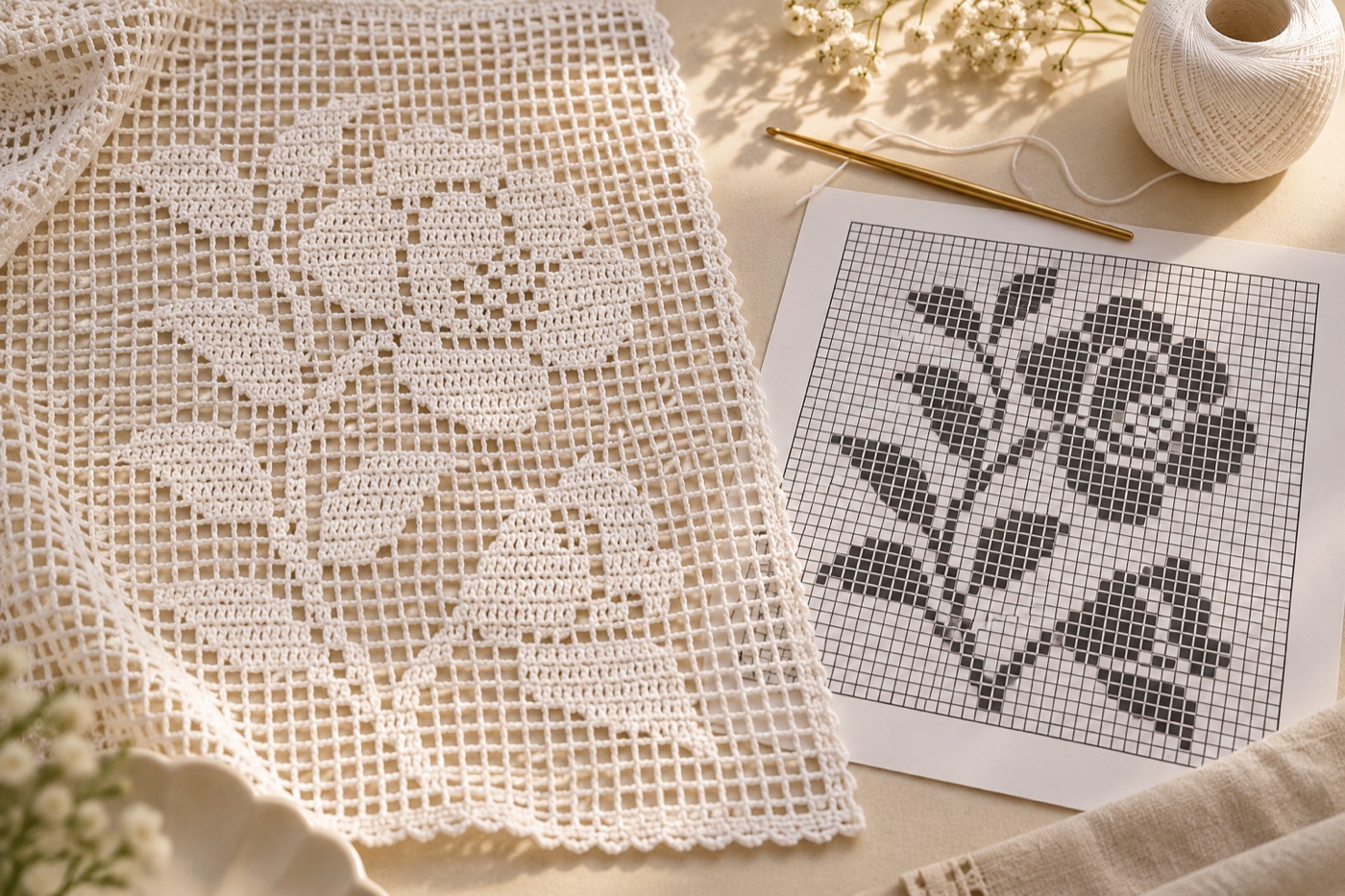
Reduce the image to two states
Traditional filet crochet is a mesh of open and filled spaces. Begin with a high-contrast image and decide which parts should be solid and which should admit light. Try a black-and-white preview, then remove isolated single cells that would interrupt an otherwise clean line. A gray photographic gradient cannot be translated literally into just open and filled mesh; convert it into strong shapes first. Test the motif at the intended finished size so gaps do not merge visually.
Understand the shared edges
In a common double-crochet filet method, an open block uses chain stitches between double crochets and a filled block uses double crochets. Neighboring blocks share their boundary stitch, so a row of several filled boxes does not use the same count as several separate groups added blindly. Yarnspirations' filet guide illustrates both the open and filled construction. Match the chart to the exact stitch convention of the pattern you intend to use before calculating a foundation chain.
Read alternating rows
A filet chart is generally read from the bottom upward. As the fabric turns, the working direction alternates across the chart; a letter or asymmetrical silhouette can accidentally appear mirrored if every row is read in the same direction. Number the rows from the bottom, draw a small arrow beside each one, and make a short sample with a deliberately asymmetrical shape. Compare the swatch with the preview before crocheting the full width.
Swatch the actual mesh
The aspect ratio of a crocheted cell depends on yarn, hook and your tension. Work several open and filled meshes with the exact materials you plan to use, wash or block the sample as appropriate, then measure its width and height. If a circular motif becomes oval, edit the chart dimensions or choose a stitch convention that produces a more suitable cell shape. The digital square is a counting unit, not a promise that the yarn fabric will form a square.
Prepare a row-friendly print
Keep the grid high contrast and include row numbers, direction arrows and an explicit symbol for open versus filled. Add a small working margin so you can highlight completed rows without obscuring the pattern. For a wide panel, break the chart into numbered sections with overlap at the boundaries. Keep an editable copy of the two-state image; if the swatch changes your cell proportions, you can revise the motif without tracing a printed page again.
Continue with BeadArtify
Open the free pattern maker to test your image, continue in the full pattern designer, or browse the original community gallery for color and scale ideas. Your source image is processed locally in the browser.