Planning · 3 min read
Bead Pattern Generator Planning: Accurate Colors and Material Counts
Estimate quantities, add a sensible allowance, and avoid running out halfway through a project. This bead pattern generator guide focuses on decisions you can verify while you work, so the final chart is not only attractive on screen but practical to make.
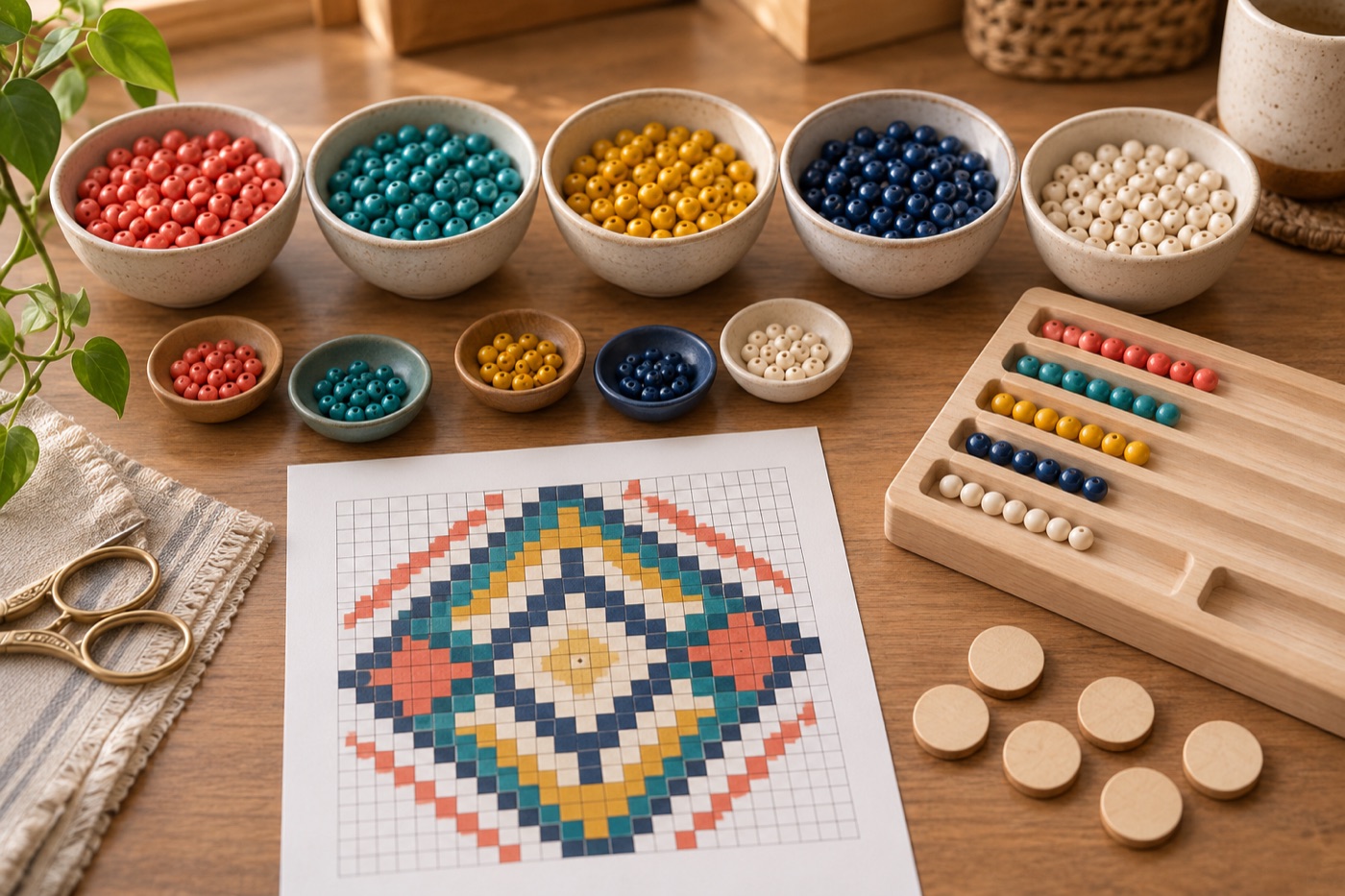
Count filled cells after final edits
A material list should come from the final editable grid, not from the original photo or an early preview. Count each colored cell and keep transparent or empty background cells out of the bead total. If you replace a shade, regenerate the counts; changing one color across a large region can alter the shopping list substantially. Record dimensions and filled-cell total together so you can check that the sum of per-color quantities matches the design. A mismatch signals an old legend or a skipped color.
Separate chart colors from products
Hex codes and palette names are digital references. They should not be presented as certified Perler, Hama, Artkal, or another maker’s product codes unless the mapping has been verified against that manufacturer. Compare real samples under the light where the finished piece will be displayed. If two chart colors are replaced by one physical bead color, combine their quantities in the purchase plan while keeping a note of the substitution. This prevents a material list from falsely implying a shade is available in your preferred brand.
Add a purposeful allowance
The base count is the minimum number required if no beads are lost or damaged. Add a modest reserve to colors used heavily and to colors that would be difficult to replace mid-project. The right reserve depends on the size and fragility of the material and how the project will be handled; there is no universal percentage. For a very large background, a small percentage may still mean many pieces. Keep the exact chart count and the buying count in separate columns so the estimate remains auditable.
Check stock before checkout
Subtract beads you already own only after counting usable stock in the correct size, finish, and brand. A full bag of mini beads cannot fill a standard-size pegboard. Identify the two or three highest-quantity colors and confirm they are actually obtainable before committing to the palette. If one is unavailable, substitute and recalculate the entire legend. Save the updated chart with a date or version number. When construction starts, track usage against that version, not against an older screenshot.
Run a final arithmetic check
The sum of all per-color filled-cell counts should equal the reported total for the chart. The purchasing quantities may be higher because they include your reserve. If you choose to leave the background empty, note that choice explicitly, since a full rectangular area would produce a different materials total. Recalculate after changing even one large region or resizing the grid. A dated count table is more dependable than numbers copied from a preview that has since been edited.
Continue with BeadArtify
Open the free pattern maker to test your image, continue in the full pattern designer, or browse the original community gallery for color and scale ideas. Your source image is processed locally in the browser.