
BeadArtify Designer
Saved on this device
100%
Start with a BeadArtify design, then make it yours. Open & remix loads an editable pattern; likes are shared with its gallery page.
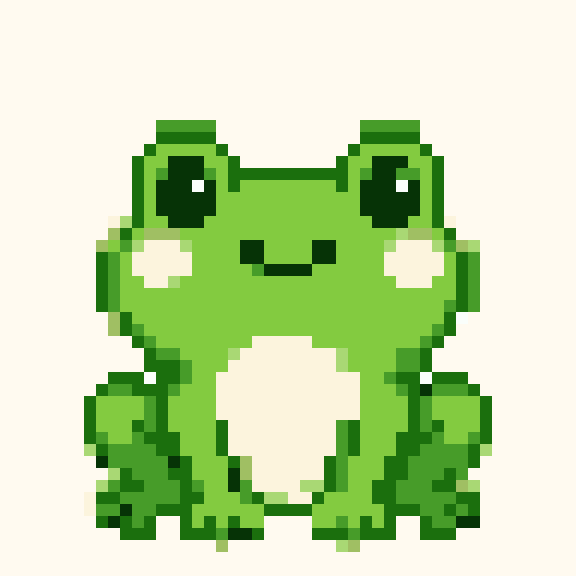

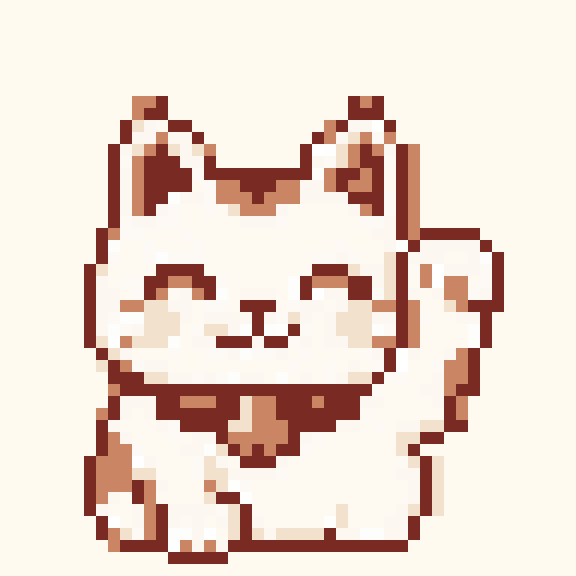


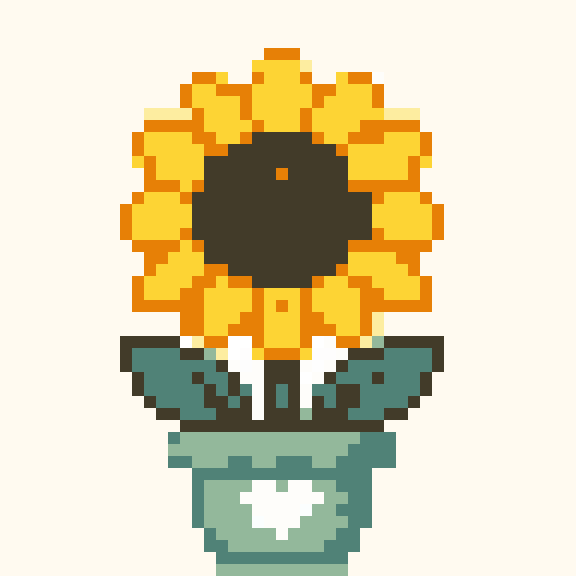
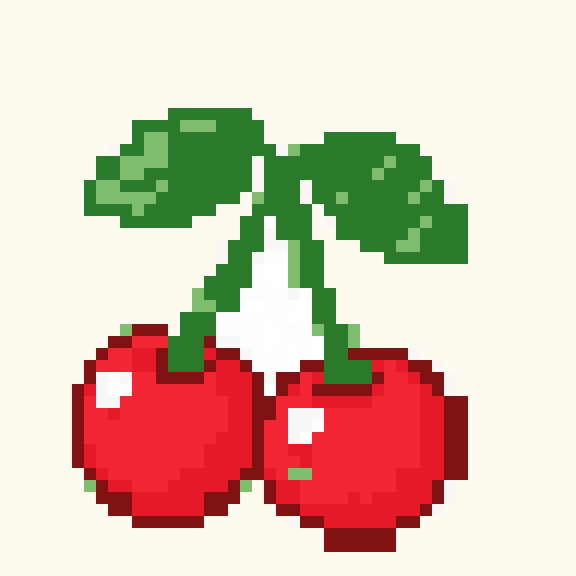



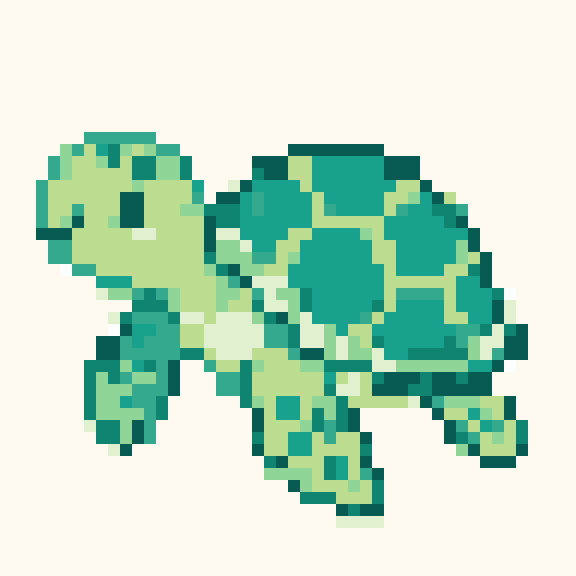


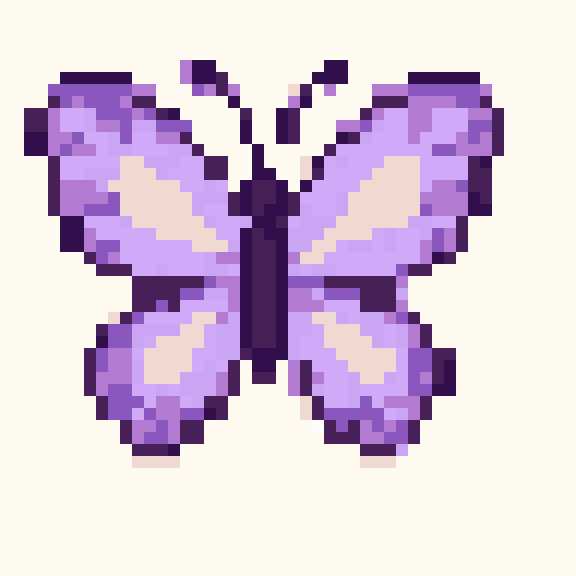

Create a pattern from a blank grid or remix a template. Use the pen, eraser, fill and color picker to shape your design one cell at a time. Every template shown here has an editable grid, not just a reference image.
Open a template or start a blank pattern. Pick a manageable grid size and save a project backup before making large changes.
Keep outlines readable, simplify small details and check your design at normal size. Undo and redo let you compare changes. Digital colors are approximations, so match them to the beads or thread you own.
Download project JSON to preserve editable cells. Export a PNG for a visual reference. Sign in to save projects to your account and choose whether to publish your work to the community.
Yes. Open & remix creates a starting point you can change. Editing does not modify the original template.
Drawing and local downloads work without an account. Account saving and liking community patterns require sign-in.
These are square pixel grids. Offset bead stitches and crochet techniques need additional adaptation; selecting a craft label does not validate a stitch sequence.
Explore the community gallery, try the image converter or read our craft guides.